Cut list
Review every detected part with its quantity, finished dimensions, material and confidence.
Built for SketchUp Free · processed locally
SketchUp Free cannot install extensions. SawWise bridges that gap: save your .skp file, import it here, and turn it into a checked parts list, shopping list, timber plan and sheet layout.
Have a paid version of SketchUp? OpenCutList is likely a better fit. SawWise is aimed at SketchUp Free users who cannot add extensions.
Example project
Workshop cabinet.skp
24
Parts
7
Boards
2
Sheets
From model to workshop
SketchUp Free gives you the model but cannot run a cut-list extension. SawWise imports the saved model and connects its parts to purchasable stock and a practical sequence of cuts.
Browse the complete documentationReview every detected part with its quantity, finished dimensions, material and confidence.
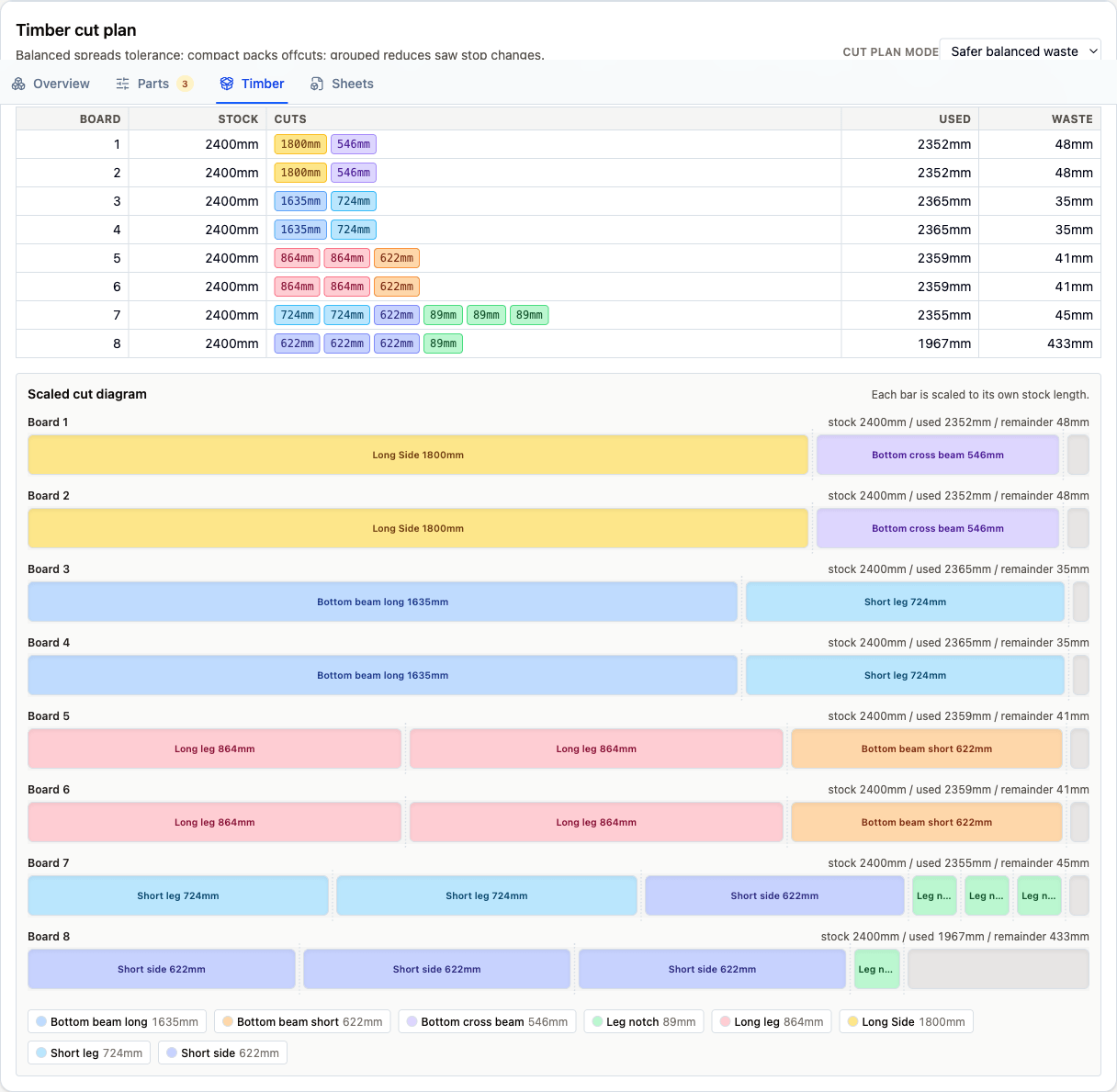
Translate model parts into the timber boards and sheet goods you need to buy or supply.
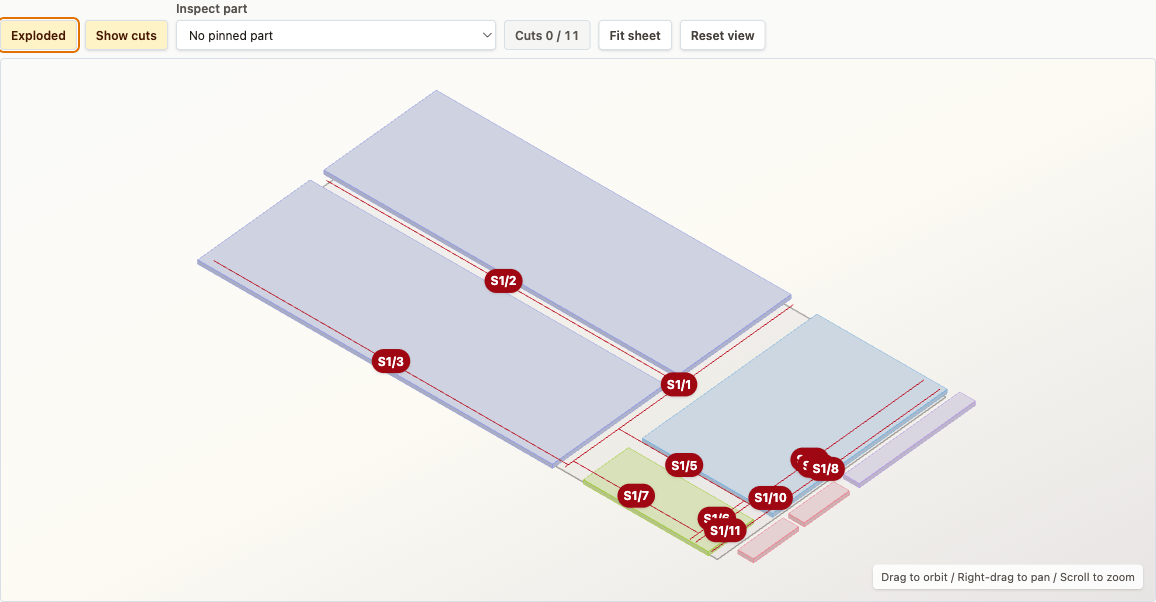
See board allocations, sheet layouts, ordered guillotine cuts, kerf and useful offcuts.
Straightforward workflow
SawWise is a planning aid, not an automatic sign-off. It makes assumptions visible so you can verify them before buying material or switching on a saw.
Read the complete workflowIn SketchUp Free, make each physical part a named group or component, then save the .skp file.
Choose your saved .skp file. Your browser reads it locally without sending it to a server.
Confirm classifications, quantities, grain direction, stock choices and kerf.
Use the shopping list and checked cutting plans as practical workshop aids.
SawWise reads the SketchUp file locally in your browser without sending it to a server. There is no account or project subscription.
Choose available timber lengths and sheet sizes, set kerf, reuse offcuts and see unresolved parts before ordering.
SawWise works best with rectangular parts and does not infer joinery, machining allowances, defects or structural safety.
Workshop helpers
Work out a French-cleat fence setting, evenly space a row of items, or size inset and overlay cabinet doors from the measurements in front of you.
Browse the woodworking calculatorsStart with your own model